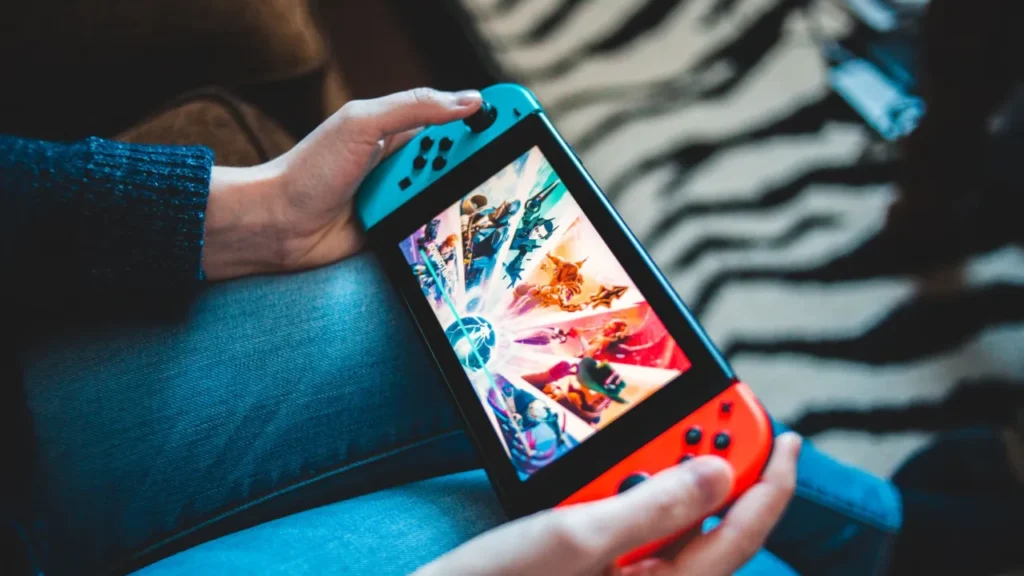
Yes, you can play a Nintendo Switch on a plane in handheld mode when the airline allows it. Download and start each game at home, then close it and launch it again in Airplane Mode. If you bought a digital game, load its Virtual Game Card onto the console you’re taking.
TL;DR
- A downloaded game can still ask for internet if it uses an online license or an online-only mode.
- Switch 2 game-key cards need a first download and online setup. Keep the card inserted when you play.
- Test from the HOME Menu with Wi-Fi off. Continue into a save or playable level.
- Follow the crew’s instructions about devices and charging.
Playing Nintendo Switch games offline by purchase type
| What you have | Set up on Wi-Fi first | What you need in the air |
|---|---|---|
| Physical card containing the game | Insert it, install required updates and check the mode you want. | Keep the game card inserted. |
| Digital eShop game | Download it and load its Virtual Game Card on your travel console. | Leave the Virtual Game Card loaded and choose an offline mode. |
| Switch 2 game-key card | Insert the card, download the game and launch it once while online. | Keep the card inserted and use an offline mode. |
| Digital game relying on an online license | Load its Virtual Game Card if available, or pick another game. | An online license requires an internet connection to verify it. |
| Cloud version or online-only mode | Choose an offline title instead. | These modes need a working internet connection. |
Nintendo explains the difference in its Virtual Game Card guide and online license instructions. Check the package for a Switch 2 game-key card label and use Nintendo’s game-key card setup instructions before traveling.
Set up your Nintendo Switch for a flight
- Connect the console you’ll pack to Wi-Fi. Update the console and download each game, update or add-on you need.
- For an eShop purchase, open Virtual Game Cards on the HOME Menu. Select your user and game, then choose the option to load it on this system. Nintendo’s linked guide shows the menu screens.
- Start your game online once and reach a save or playable level. Close the software completely from the HOME Menu.
- In handheld mode, go to System Settings → Airplane Mode and turn it on. Check that Wi-Fi stays off. Nintendo has a Switch 2 settings walkthrough.
- Launch the game again and play for a few minutes using the same profile and mode you’ll use on the plane. If it asks to connect, finish setup or pack another game.
For example, if two consoles share one game, confirm the Virtual Game Card is loaded on the one you’re carrying. A game icon on the HOME Menu only confirms it’s listed there. The actual offline launch is the useful check.
Pack for handheld play
Leave headphones and your USB-C cable where you can reach them. If you want to use Bluetooth audio or wireless controllers, Nintendo allows certain radios to be turned back on separately in Airplane Mode. Check which settings your model offers and follow crew instructions.
A small organizer, such as a tomtoc travel case, can keep your charging cable and earbuds together. For a longer trip, a compatible USB-C power bank can serve as a backup where the airline permits it. Check charging compatibility for your console and read our guide to airline power bank rules. The FAA’s battery guidance requires power banks in carry-on baggage. Airline rules can also restrict in-flight use.
If your battery runs out or you want a smaller backup, see offline games for phones and compact travel board games.
FAQs
Can I play a digital Switch game on a plane?
Yes, if it’s installed, its Virtual Game Card is loaded on the console, and the part you want to play works offline. Try it before leaving.
Does airplane Wi-Fi let me play online?
It depends on the airline’s service and the game’s requirements. Plan around the offline modes you’ve already opened successfully.
Can I play multiplayer in airplane mode?
Some games support two players on one console. Local wireless and online modes have separate requirements. Check the game and your airline’s rules before re-enabling a radio.